
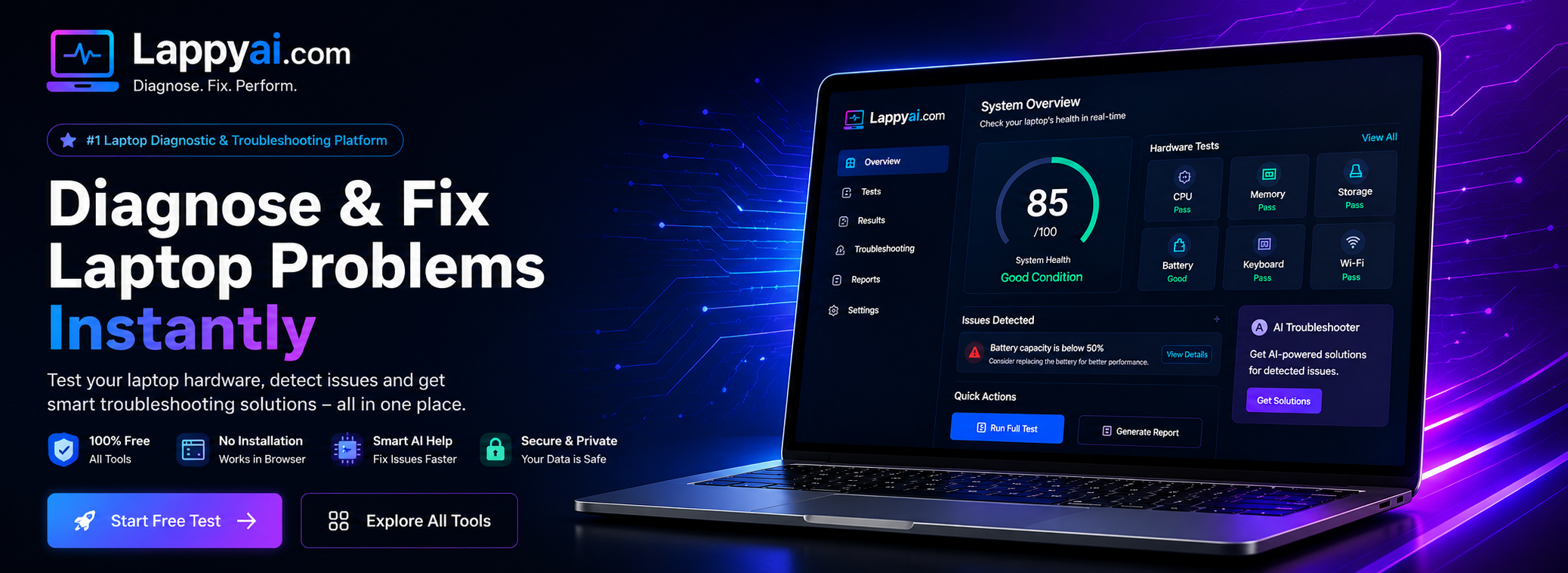
Advanced Laptop Testing & Troubleshooting Tool
Online Mic Test
Test your microphone instantly and check audio input quality in real time.
Start Test →Dead Pixel Test
Detect dead, stuck, or damaged pixels on your laptop or monitor screen.
Start Test →Battery Health Test
Check battery health, charging status, and power performance instantly.
Start Test →Speaker Test
Test your laptop or desktop speakers and check sound output quality instantly.
Start Test →Display Calibrator
Adjust screen colors, brightness, contrast, and display accuracy easily.
Start Test →WiFi & Bluetooth Test
Check WiFi connectivity and Bluetooth functionality instantly online.
Start Test →Thermal Diagnostic Tool
Monitor laptop temperature, overheating issues, fan performance, and thermal health.
Start Test →How LappyAI Diagnostic Tools Work
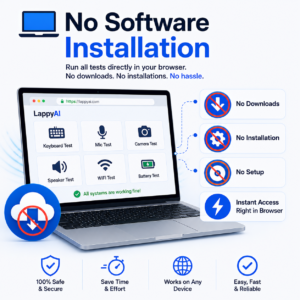
LappyAI provides a complete suite of online laptop and computer diagnostic tools designed to help users quickly identify hardware issues without installing any software. Whether you need a Keyboard Test, Microphone Test, Camera Test, Speaker Test, Battery Health Check, Dead Pixel Test, WiFi Diagnostic, Bluetooth Test, or Thermal Temperature Check, our tools deliver instant results directly in your browser.
Each testing tool analyzes hardware functionality in real time and provides detailed troubleshooting guidance when a problem is detected. Unlike traditional testing tools that only show whether a component is working or not, LappyAI helps users understand possible causes of the issue and recommends practical solutions.
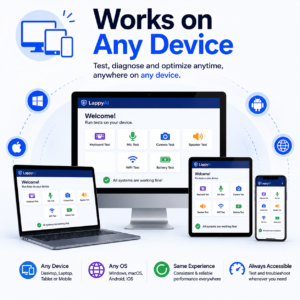
Our browser-based diagnostic platform is compatible with Windows laptops, desktops, Chromebooks, and most modern devices. Simply select a tool, run the test, review the results, and follow the suggested troubleshooting steps.
Why Choose LappyAI?
✅ No software installation required
✅ Real-time hardware diagnostics
✅ AI-powered troubleshooting guidance
✅ Free online testing tools
✅ Works on laptops and desktop computers
✅ Fast and secure browser-based testing
✅ Beginner-friendly interface
How to Use LappyAI Tools
Step 1: Choose a diagnostic tool from the homepage.
Step 2: Grant the required browser permissions (camera, microphone, etc.).
Step 3: Run the hardware test.
Step 4: Review the results instantly.
Step 5: Follow the troubleshooting recommendations if an issue is detected.
Step 6: Fix the problem or contact a technician with the diagnostic report.
Why Choose LappyAI
Common Laptop Problems We Help Fix
We Help Diagnose:
- Keyboard Not Working
- Laptop Auto Typing
- Microphone Not Detected
- Camera Not Working
- No Sound From Speakers
- Battery Draining Fast
- Dead Pixels On Screen
- WiFi Connection Issues
- Bluetooth Pairing Problems
- Laptop Overheating
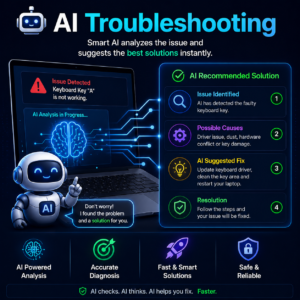
AI Troubleshooting Process
🔍 Detect Issue
📊 Analyze Results
🤖 AI Suggests Solution
✅ Fix Problem Faster
Supported Devices
Compatible With –
- Windows 11
- Windows 10
- Gaming Laptops
- Dell
- Lenovo
- HP
- Acer
- ASUS
- MSI
- Desktop PCs
- Etc.
Frequently Asked Questions
How do I test my keyboard online?
Use the LappyAI Keyboard Tester and press each key to verify functionality.
Can I test my microphone without installing software?
Yes, LappyAI provides a browser-based microphone test.
How can I check laptop battery health?
Run the Battery Health Tool to view battery status and performance information.
What should I do if my keyboard is not working?
Use the Keyboard Diagnostic Tool and follow the troubleshooting steps provided.
Troubleshooting Guides Popular Guides
- How to Fix Keyboard Not Working
- How to Fix Laptop Auto Typing
- Microphone Not Detected Fix
- Camera Not Working Solution
- Battery Draining Fast Guide
- WiFi Not Connecting Fix